Friday, September 3rd, 2010
 

Why Case Management

Needles case management system offers a suite of software program solutions for your law office that can optimize process workflow and reduce errors in legal expense tracking. Needles case management software programs integrate document management, accounting, case management and contact management.

Case Management

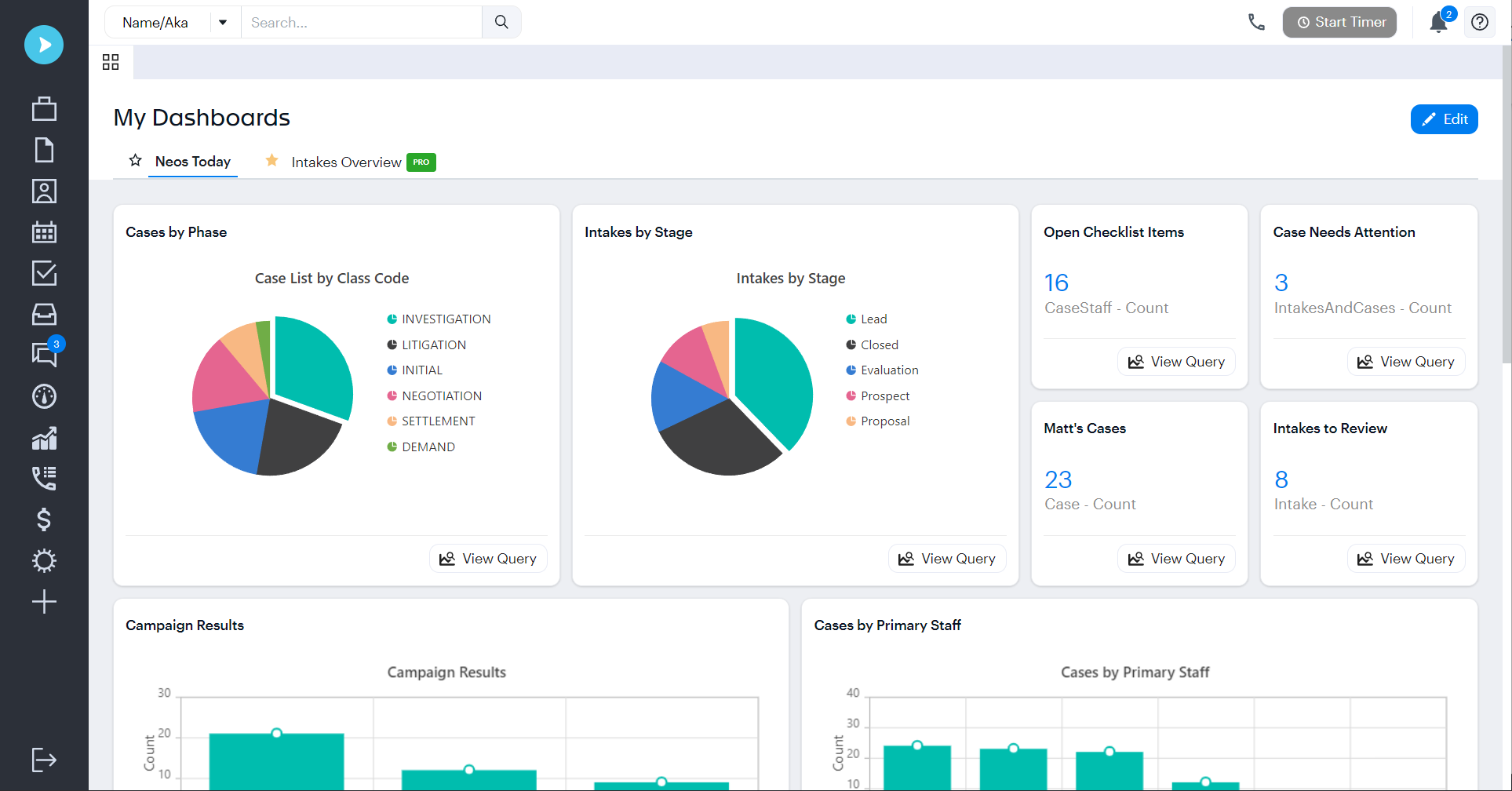
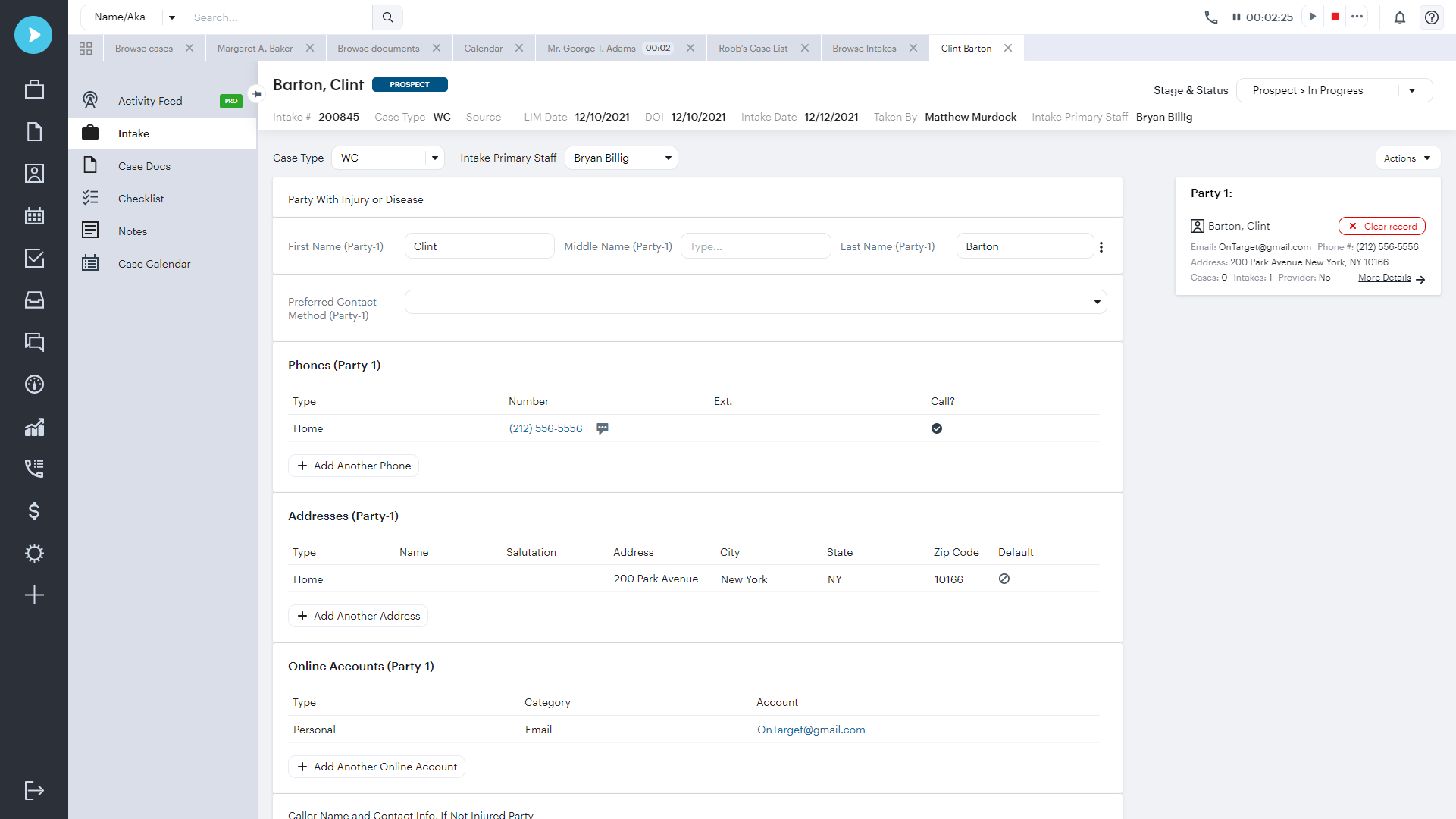
Maintain case details and motions and create customized reporting solutions using Needles case management software. The program provides pre-set tabs for basic matter information, such as party information, case information, checklist, notes and documents. Needles provides the capability to identify noteworthy items for quick retrieval, and Needles’ conflict checking automatically checks names entered into the database with the entrance of a few letters into the search engine. Easily view and manage any letter, pleading, photograph, diagram, scanned item or other document that needs to be viewed in the case file. Check the status of a case all on one screen.

Contact Management

Communicate both internally and externally using the Needles contact management system. With its mapi compliant email system, view incoming emails from external sources, post attachments directly to client case files, and post internal messages directly to client case files.

The Needles central names directory allows you to search 14 different ways in the database, perform conflict checks, make changes and send E-mails and attach these entries to case files. Retrieval and identification searches can be performed based on defendant, plaintiff, witness, and other criteria. Mass emails to multiple clients provide marketing support.

Calendar

Needles works with both an internal calendar or the Microsoft Outlook calendar. The internal calendaring system allows you to view daily, weekly and monthly appointments for individuals or all staff. Calendar reports can easily be run to reflect specific criteria and appointments can be set for multiple staff members.

Project and Workflow management

Stay current on case tasks with the Needles checklist. A daily task list is automatically created as each file progresses that enables you to easily record completion of items, reassign tasks to accommodate staffing changes, generate or change task due dates, create single and repeating items and track multiple statute of limitation dates or warnings. Organize, track, and maintain all case facts and other pertinent information as your cases progress, as well as important dates, questions, people, property, letters, notes and deadlines.

Tracking

Track a case status, individual or multiple statute dates, communications and expenses. Using a customizable checklist, statues can also be flagged with warnings. Communications can also be tracked by date, staff number and customizable topics. Expenses can be tracked by payments, record notes, liens, and customizable settlement memorandums.

Reporting Capabilities: time, billing, invoicing and more

Review and analyze your case with any one of over 85+ standard reports that include monthly statements, checklist summaries, statute of limitations reports, history and referring reports. Customized reports are easily created by choosing tables and links, then sorting the information the way you would like it to appear on the report. Create case listing reports, intake listing or note reports, referral reporting, mass mailings and more.